
V-Pro Smart™ Wi-Fi dimmers and sockets
In cooperation with SUPLA
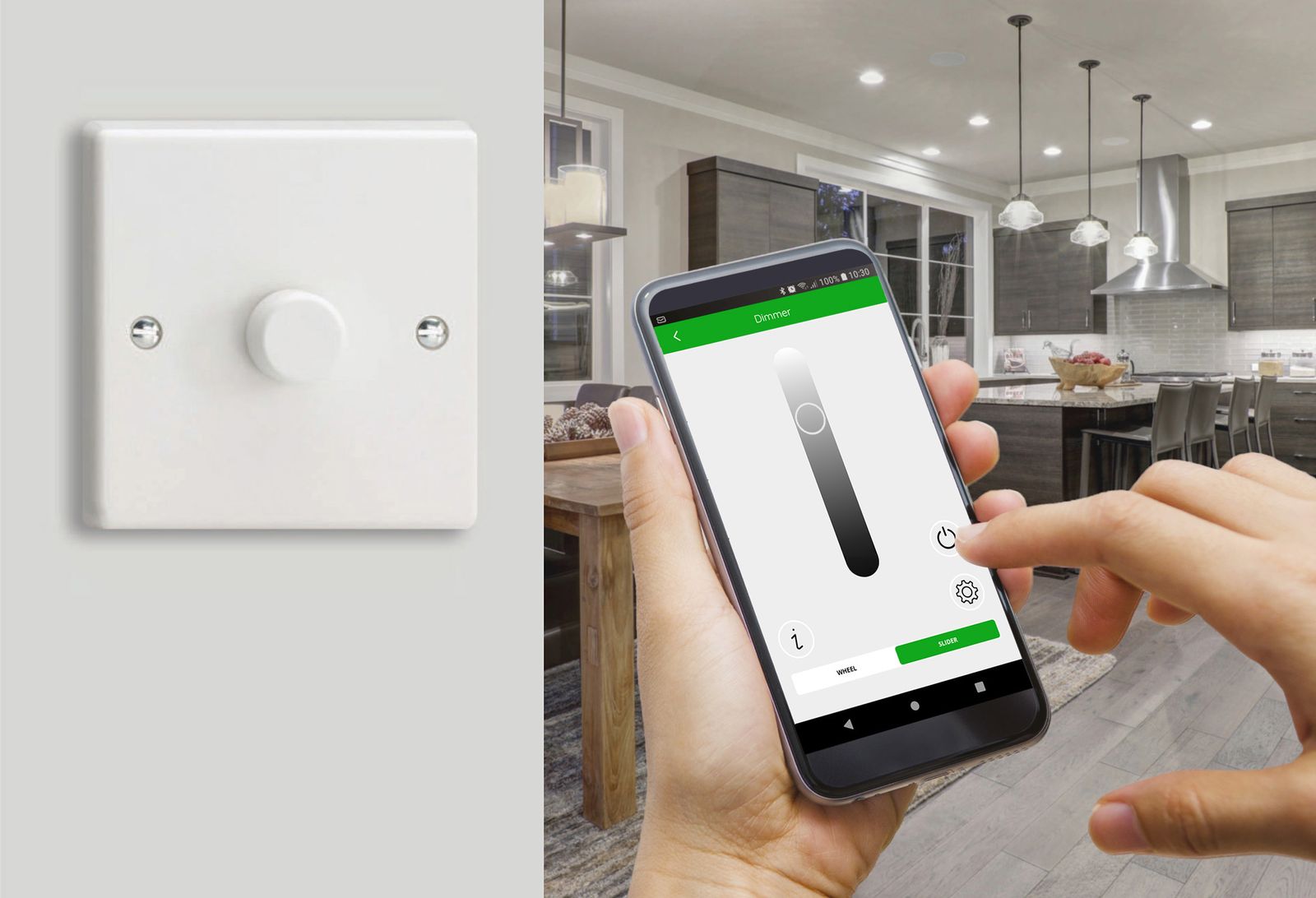
The V-Pro Smart™ range is a family of connected Wi-Fi products including dimmers and sockets, controlled by the free Supla app. No hub is required. Simply connect.
Control your lighting and devices at home or away from your smartphone. Scheduling and scene-setting capabilities included.
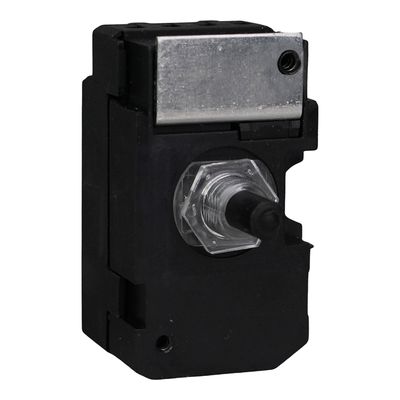
V-Pro Smart™ Wi-Fi dimmers
All the versatility of V-Pro LED dimming technology with additional smart features:
- Dim your lights with your phone, Alexa or Google Home!
- Full control at home or away using the Supla App
- Available in all of our decorative finishes
- Control from up to 3 positions with Companion Controllers
- Featuring additional V-Pro Smart dimming features included
- Replace your existing switch or dimmer with a V-Pro Smart dimmer. Standard or retractive switches can't be used at other positions: fit companion controllers there
- No hub required

- 120W
- of dimmable LED per gang
- 3 positions
- physical: the dimmer and up to 2 companion controllers. Unlimited digital control through the app and smart speakers
- 25mm
- minimum box depth for Classic (35mm for Screwless and Ultraflat)
Loads, pairing and resets
- Suitable for dimmable LED lighting and quality dimmable electronic low-voltage transformers (count the transformer VA rating, not the bulb wattage).
- Not suitable for non-dimmable LED, fluorescent lamps or tubes, wire-wound or toroidal transformers, electric motors (e.g. fans) or triac dimmable drivers (use V-Com instead).
- Never connect neutral to the dimmer itself: a neutral, if present, goes to the companion controllers.
- Download the Supla app and create an account before you fit the dimmer. To pair, hold the knob for 5 seconds (fast flashing blue light), then choose "Add I/O device" in the app.
- Settings (driving mode, Boost, minimum and maximum, status light, factory reset) are in the app. The Wi-Fi details or the dimming settings can also be reset at the dimmer, without the app.
Set up your dimmer V-Pro Smart instructions (PDF) Companion controller instructions (PDF)
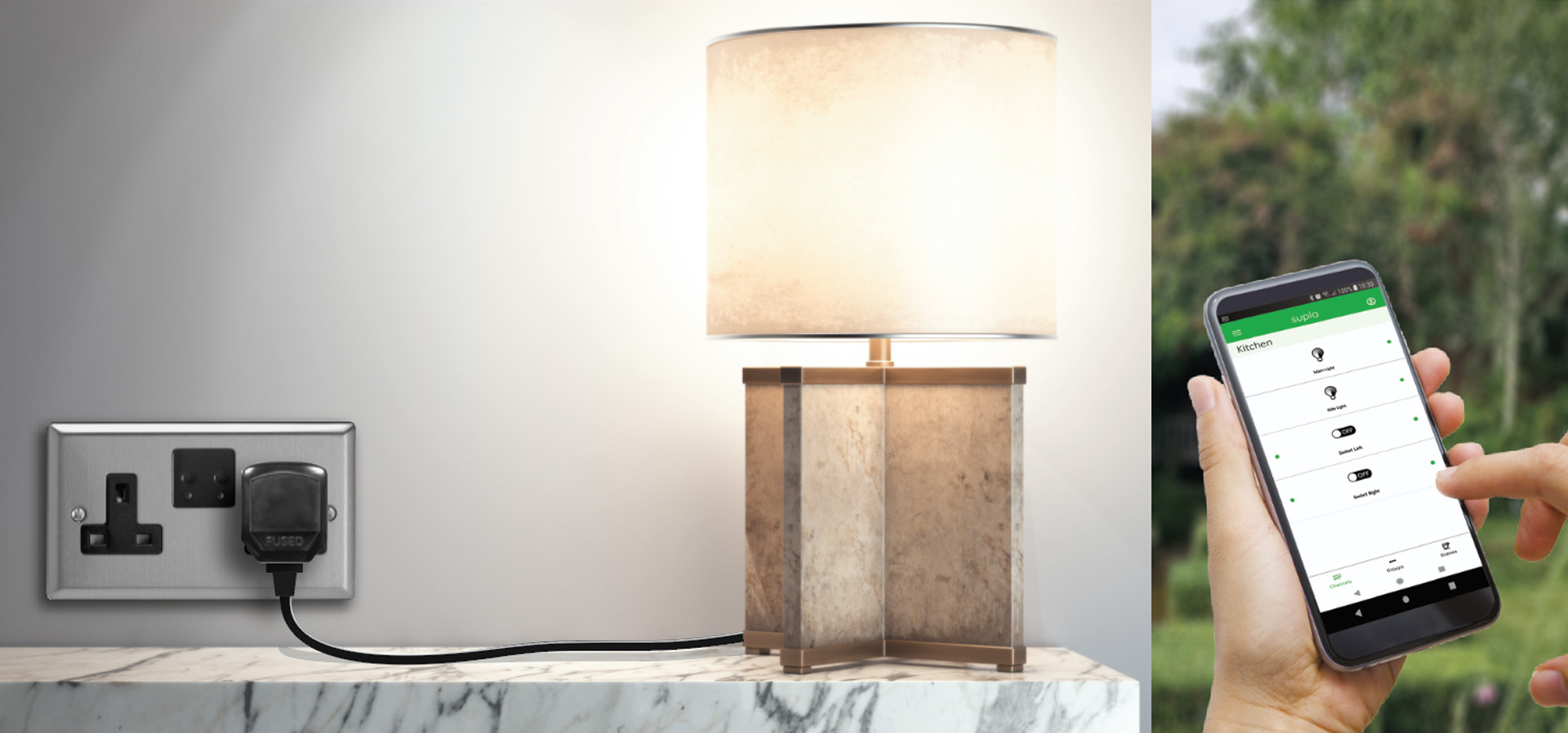
Smart Wi-Fi sockets
Control your sockets with your phone, at home or away.
Pair it with the app
Download the free Supla app (below) and create an account
Hold the socket button for at least 10 seconds, until the blue light blinks quickly
In the app, choose "Add I/O device"
Ideas for using it
Simply connect
Easy installation
Simply Connect to the Power
Simply Connect to the App
Click the linked images below to download the app for your operating system!